BillCPU apps for every counter and desk.

Run your till on a Windows PC, open BillCPU in any browser, and take it with you on Android soon. One account, the same data everywhere.

Version 1.3.1

BillCPU for Windows

For shop tills, hotel front desks and the back office.

  • Everything in BillCPU in its own window: invoices, quotes, POS, hotel stays and bookings.
  • Prints till receipts straight to USB or network receipt printers, with no print dialog, and opens the cash drawer.
  • Keeps selling when the internet drops. Sales are sent to BillCPU when the connection is back.
  • Shows items, total and change on a second screen facing the customer.

Windows 10 or 11, 64-bit, about 123 MB. Updates install by themselves.
Web app

Nothing to install. Works in Chrome, Edge, Safari and Firefox on any computer, tablet or phone.

Open BillCPU
Coming soon

Android app

Invoices, quotes, customers and a pocket till that works offline. Until it is out, use the web app on your phone.

A real till on a normal PC.

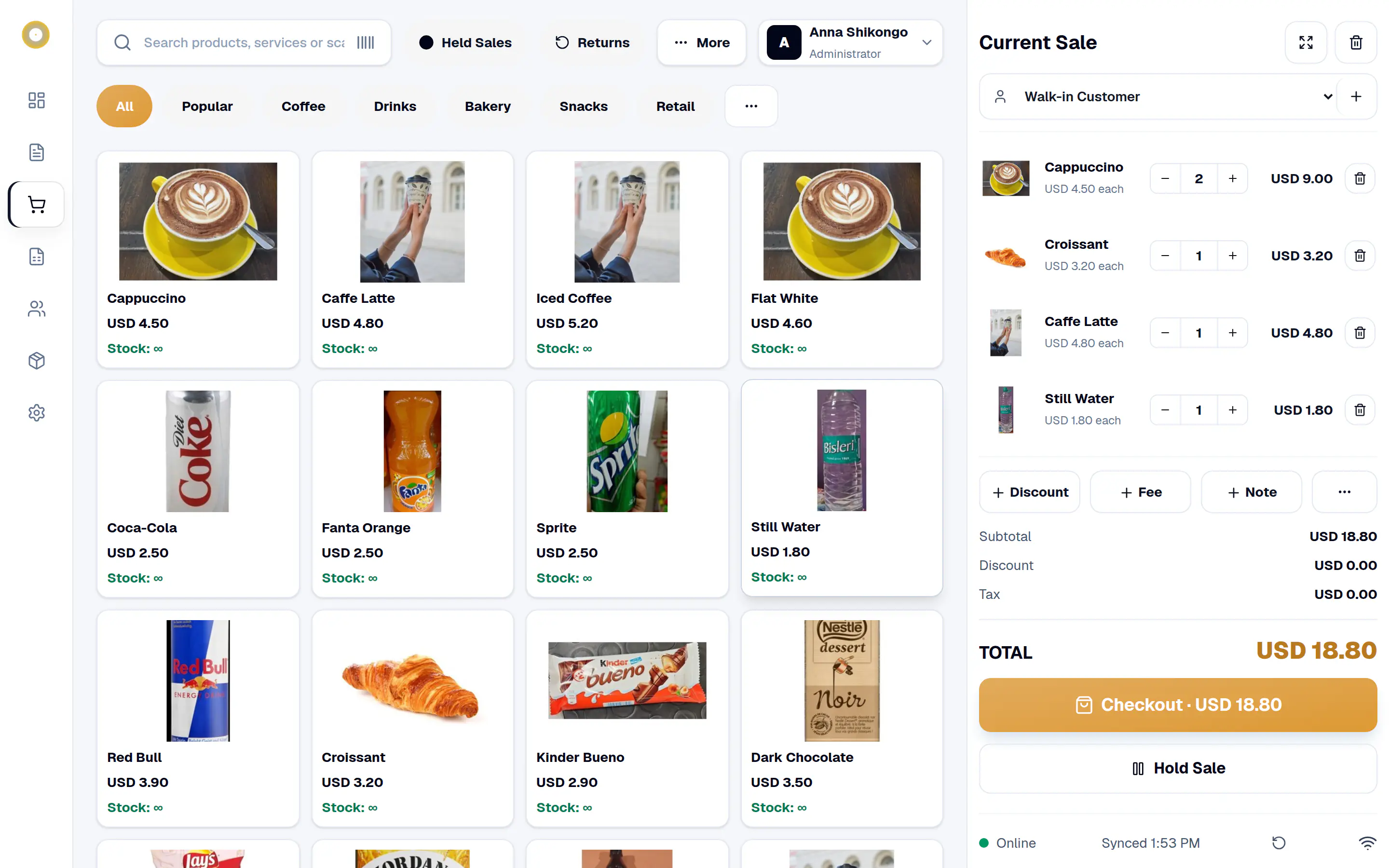
Plug in a receipt printer, a cash drawer and a barcode scanner, choose them once in Till hardware, and start selling. If the internet goes down, the till keeps going and catches up on its own.

See Point of Sale
BillCPU for Windows
BillCPU point of sale screen in the Windows app

Questions

Do I need a different account for each app?

No. Log in with the same email and password everywhere. Your invoices, customers, products and sales are the same on every device.

Is the Windows app free?

Yes. The app is included with your BillCPU plan. Download it on as many shop PCs as you need.

Windows shows a blue warning when I install it. Is that safe?

Yes. Windows shows it for new apps. Click More info, then Run anyway. You only do this once, and updates install by themselves after that.

Which receipt printers work?

Most 58mm and 80mm thermal receipt printers (Epson, Xprinter and similar), plugged in by USB or on your network. A normal office printer can print receipts too.