
One page that shows what is owed.
Every invoice, payment and credit for a customer on a branded statement. Send it as a PDF in two taps, and stop going back and forth about balances.
Statement of Account · 1 Jan to 31 Mar
Kalahari Building Supplies
Opening
USD 4,200.00
Invoiced
USD 18,650.00
Received
USD 15,300.00
Invoice INV-2026-0388
12 Jan
USD 8,400.00
Bal. USD 12,600.00
Payment received, bank transfer
30 Jan
USD 9,000.00
Bal. USD 3,600.00
Invoice INV-2026-0421
3 Mar
USD 10,250.00
Bal. USD 13,850.00
Payment received, card
20 Mar
USD 6,300.00
Bal. USD 7,550.00
Balance owed now
USD 7,550.00
Clear balances get paid faster.
A statement answers the question before the customer asks it. It shows where the balance came from and what is still open.
Running balance
Opening balance, every invoice, payment and credit note in date order, and the balance after each one.
Open invoices only
Prefer a short version? Send only the invoices still open, with how many days each one is overdue.
Any period
Pick the dates, or leave them and BillCPU covers the whole account.
Your brand on it
Your logo, details and brand colour, in the same style as your invoice template.
Emailed with a note
Send it to the customer's email with your own message, or download the PDF and share it any way you like.
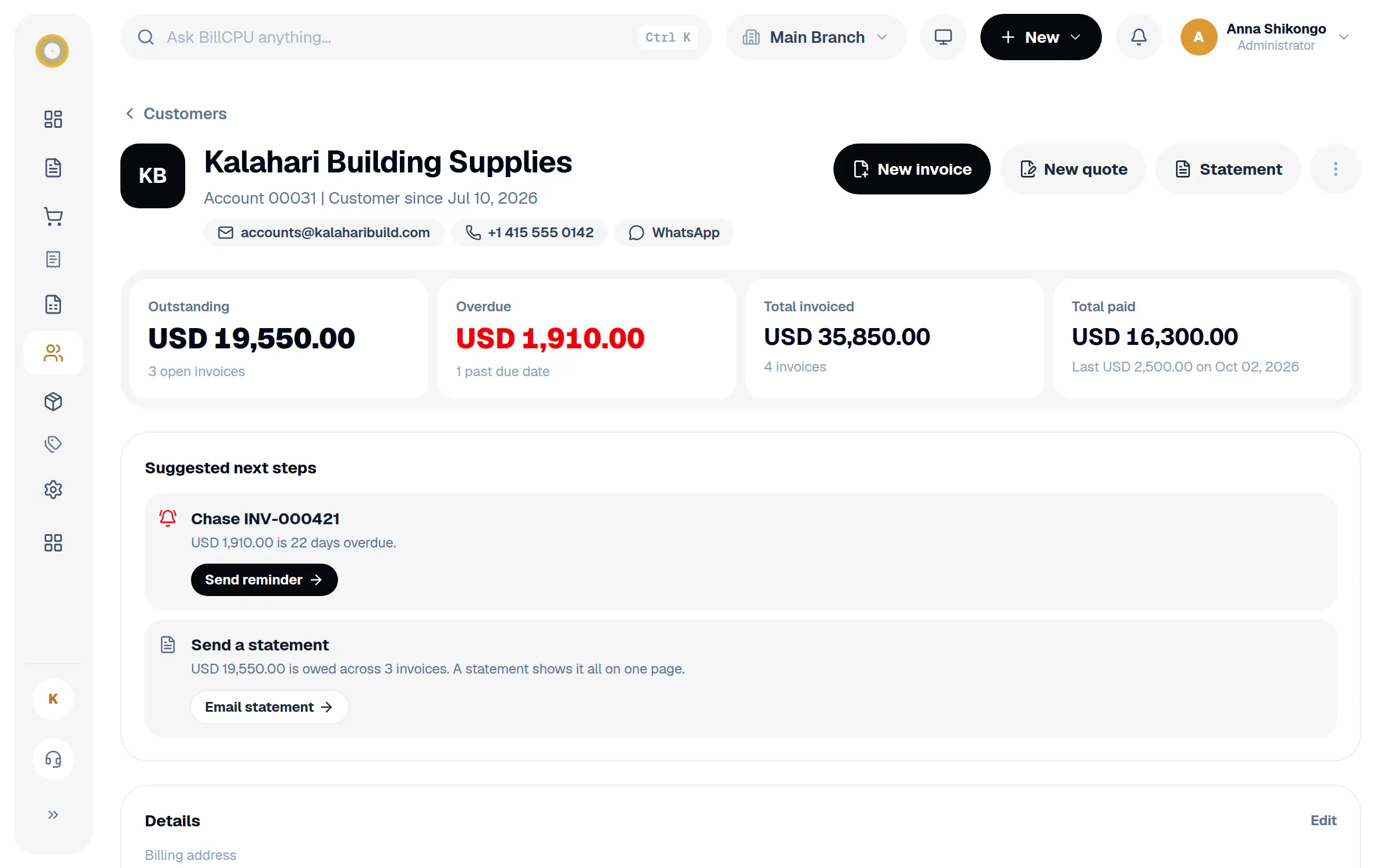
Next steps on the customer page
See what each customer owes, what is overdue, open quotes and the last payment, with buttons to act on it.
How it works
A few steps in BillCPU, on the web or in the app.
- 1
Open the customer
Their page shows what they owe, what is overdue and what they have paid.
- 2
Choose the statement type
All activity for a period, or open invoices only.
- 3
Open the PDF or email it
Check it on screen, then send it straight to the customer.
Questions
Are draft invoices on the statement?
No. Drafts and invoices that were not issued, voided or cancelled are left out, so the customer only sees what they really owe.
What if I bill a customer in more than one currency?
The statement is made per currency, so the balances always add up.
Can I send statements from my phone?
Yes. Open the customer in the BillCPU app and use Open PDF or Email under Statement.
Works well with
Settle balances without the back and forth.
Start your free trial, add a customer and send your first statement today.